Customer support automation is no longer an emerging trend — it is the operational baseline for competitive businesses in 2026. The question has shifted from “should we automate support?” to “how do we automate it well?” This hub answers that question comprehensively: what customer support automation actually is, which processes to automate first, which tools to use, how to implement without disrupting quality, and how to measure whether it is working.
This is the central reference for everything related to customer support automation on chatloop.io. Every topic covered here links to a dedicated deep-dive guide.
What Customer Support Automation Means in 2026
Customer support automation is the use of technology — primarily AI, workflow rules, and integrated systems — to resolve or route customer queries without requiring human intervention at every step.
In 2026, this spans a wide capability range: a basic FAQ chatbot that answers product questions, a fully integrated AI agent that handles returns end-to-end, a predictive system that identifies at-risk customers and reaches out before they complain, and everything in between.
The definition matters because automation is not binary. Businesses do not choose between “fully automated” and “fully human” support — they choose a point on a spectrum, and the right point depends on their query mix, customer base, commercial stakes, and team structure.
The Business Case for Automating Customer Support
The ROI case for customer support automation is well-established. The question is no longer whether it delivers returns — it is how large and how fast.
Cost reduction: The median AI chatbot deployment in 2026 reduces support labour costs by 38% within 90 days. Top-quartile deployments achieve 52% reduction. The mechanism is straightforward: when 55–65% of incoming queries are resolved automatically, the human team handles 35–45% of the previous volume with no change in headcount. See the full calculation at how to calculate AI chatbot ROI.
Response time: AI responds in seconds. Human teams average 2 hours 40 minutes for chat queries and 12 hours for email. The business impact of this gap — on conversion rates, cart abandonment, customer satisfaction, and review scores — is quantified at the true cost of slow customer response times.
Revenue generation: Automated support does not just reduce costs — it generates revenue. Lead qualification at the moment of highest intent, cart abandonment recovery, proactive upsell at post-purchase, and churn-prevention outreach all convert at measurable rates. Seehow AI chatbots reduce customer support costs for the full breakdown.
24/7 availability: Customers buy, enquire, and need help at all hours. An AI agent that operates continuously captures after-hours demand that human teams cannot. This is particularly significant for businesses with international customers — see AI chatbot for remote teams.
The Automation Decision Framework
Not every support interaction should be automated. The strategic question is: which interactions benefit from AI, and which require human judgment?
Automate These First
These categories are high-frequency, rule-based, and low-risk for automation. They form the foundation of every successful automated support deployment.
Tier 1: Static FAQ automation — Pricing, opening hours, policy information, product specifications, returns eligibility. These queries have definitive answers that do not change frequently and carry no escalation risk. Automation rate target: 90%+.
Tier 2: Dynamic data lookups — Order status, account information, appointment availability, inventory queries. These require integration with your back-end systems but follow clear rules. Automation rate target: 85%+ for standard cases.
Tier 3: Process initiation — Booking creation, return initiation, callback scheduling, document requests. These involve the AI taking an action in a connected system. Automation rate target: 70%+ for standard cases.
For the detailed guide to what to automate and what to keep human, see AI agent vs human support.
Keep These Human
Complex complaints, sensitive situations, high-value customer retention, regulated advice, and anything where getting it wrong has significant commercial or reputational consequence. Human escalation should be instant, clearly available, and intelligently triggered. See how to automate customer support: the complete guide for the full escalation framework.
The Technology Stack for Customer Support Automation
AI Agent Platform
The foundation of any automated support operation is the AI agent platform — the system that receives queries, processes them against a knowledge base, and either resolves them or routes them. Key selection criteria: integration depth with your existing stack, no-code configuration capability, escalation quality, and analytics.
Chatloop.io is built specifically for this use case: an AI agent that handles the full customer query lifecycle across website chat and WhatsApp, with no-code configuration and pre-built integrations for common business tools. See the features overview and pricing.
Knowledge Base
The AI’s effectiveness is determined entirely by its knowledge base quality. A well-structured, comprehensive, and maintained knowledge base is the highest-leverage investment in your automation programme. See how to train an AI chatbot with company data for the complete build guide.
Integrations
AI agents that can access live data — order management, CRM, calendar, inventory — automate significantly higher proportions of queries than those limited to static knowledge. See chatloop.io integrations for the current integration library.
Analytics
Automation rate, CSAT, escalation rate by category, and knowledge gap rate are the four metrics that matter most. See AI chatbot analytics and optimisation for the complete measurement framework.
Implementation: Getting to Your First 60% Automation Rate
The path from zero to 60% automation rate follows a consistent pattern across successful deployments.
Week 1–2: Foundation: Build a knowledge base covering your top 30 customer queries. Connect your primary live data source. Configure escalation triggers for sensitive keywords. Deploy on your primary channel. See how to set up an AI agent without coding.
Week 3–4: Validate and expand: Review failed conversations twice weekly. Add content for the top five unanswered query categories. Test escalation triggers. Begin tracking automation rate weekly.
Month 2: Optimise and integrate: Add a second data integration. Expand knowledge base to 60+ entries. Review CSAT for AI-handled conversations and address any accuracy gaps. Target: 55% automation rate by day 60.
Month 3: Scale: Expand to second channel (WhatsApp if not already deployed). Add lead qualification workflow. Implement first proactive support trigger. Target: 65%+ automation rate.
Customer Support Automation by Industry
Automation works differently across industries, with different query mixes, compliance requirements, and ROI drivers. The hub links below cover the full implementation guide for each vertical.
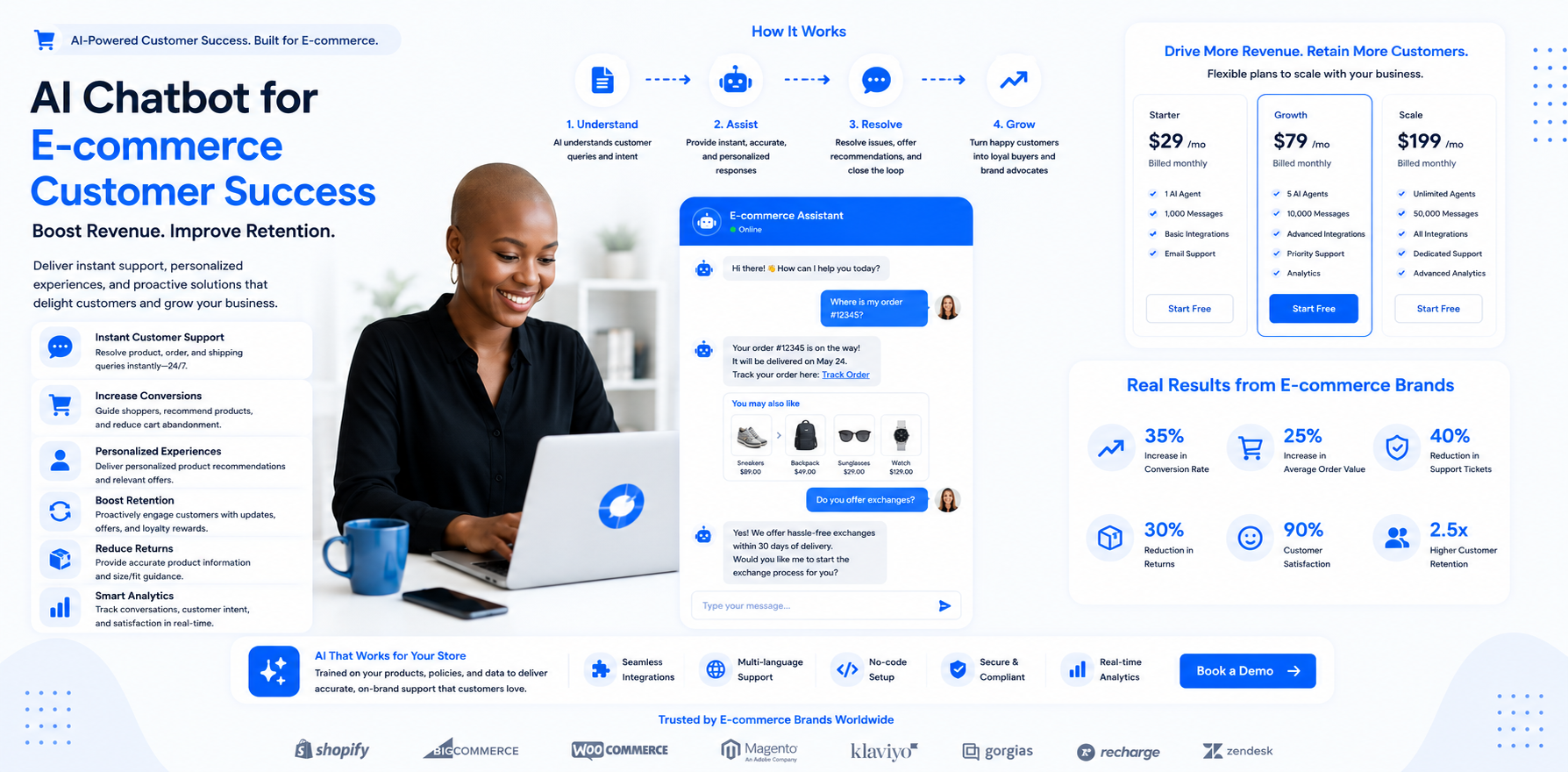
E-commerce
High-volume post-purchase queries, cart recovery, and upsell
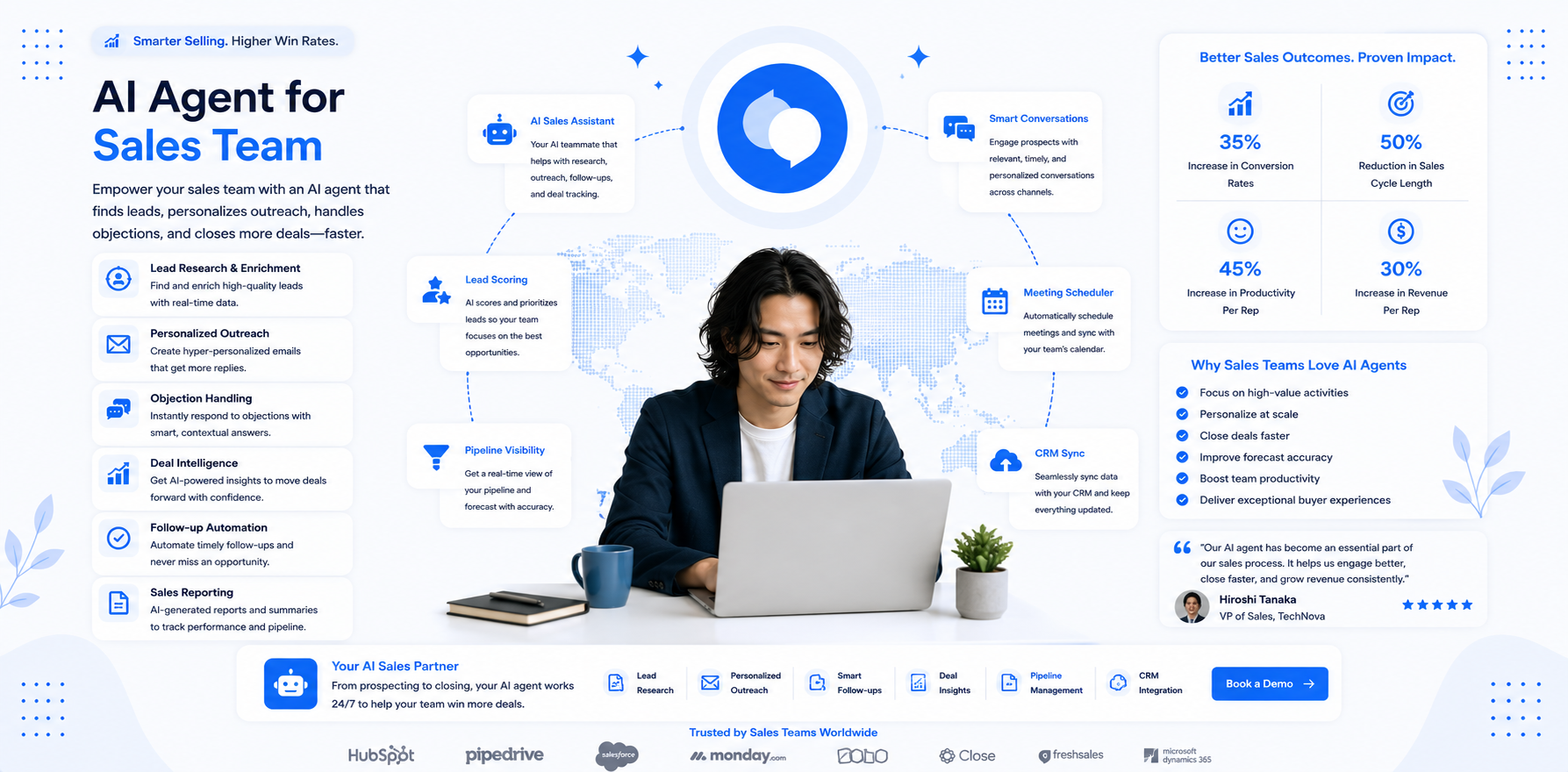
Saas
Product FAQ, onboarding, and trial-to-paid conversion
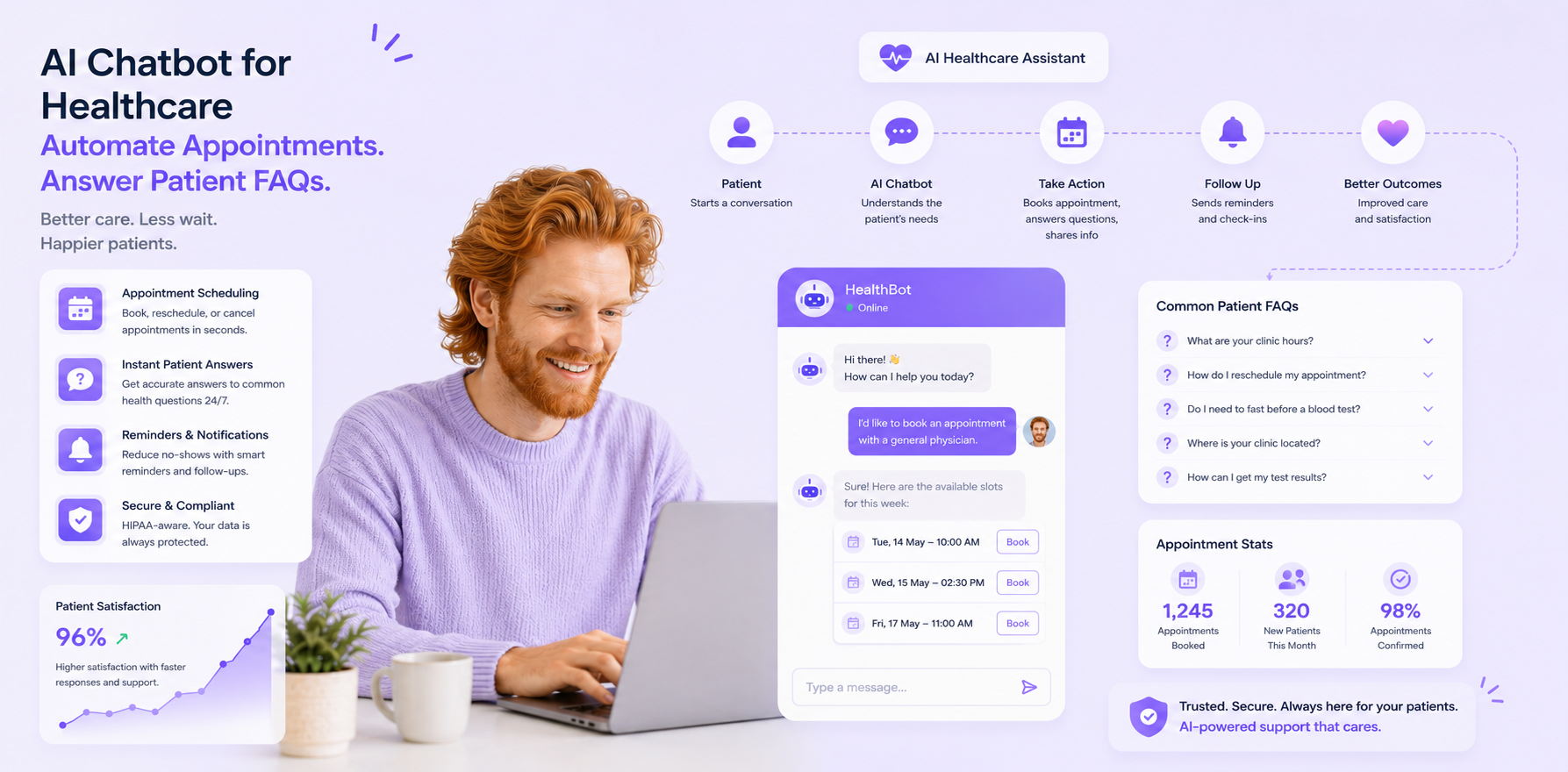
Healthcare
Administrative automation with full compliance scope
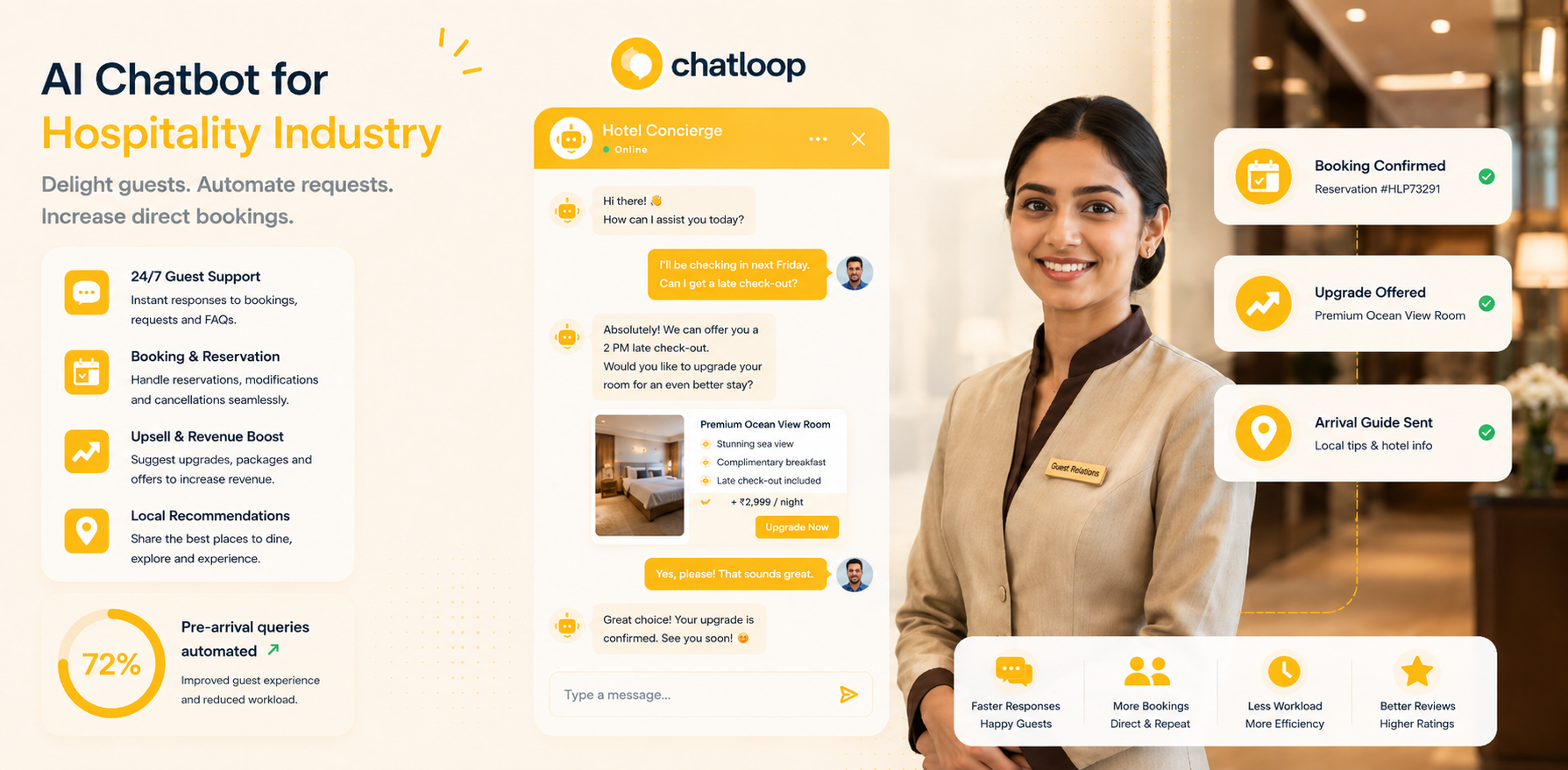
Hospitality
Pre-arrival, in-stay, and upsell automation
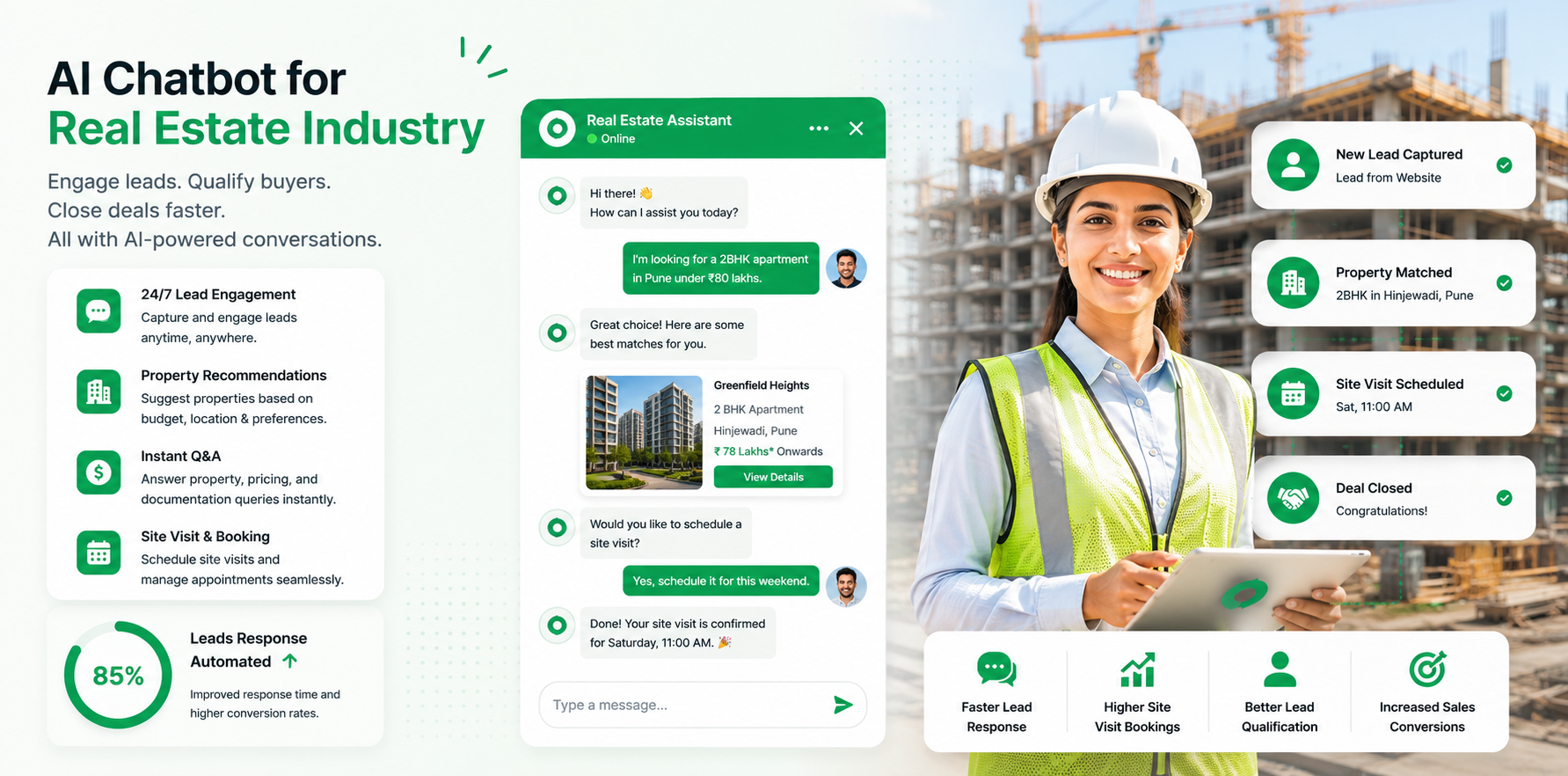
Real estate
Lead qualification and viewing booking
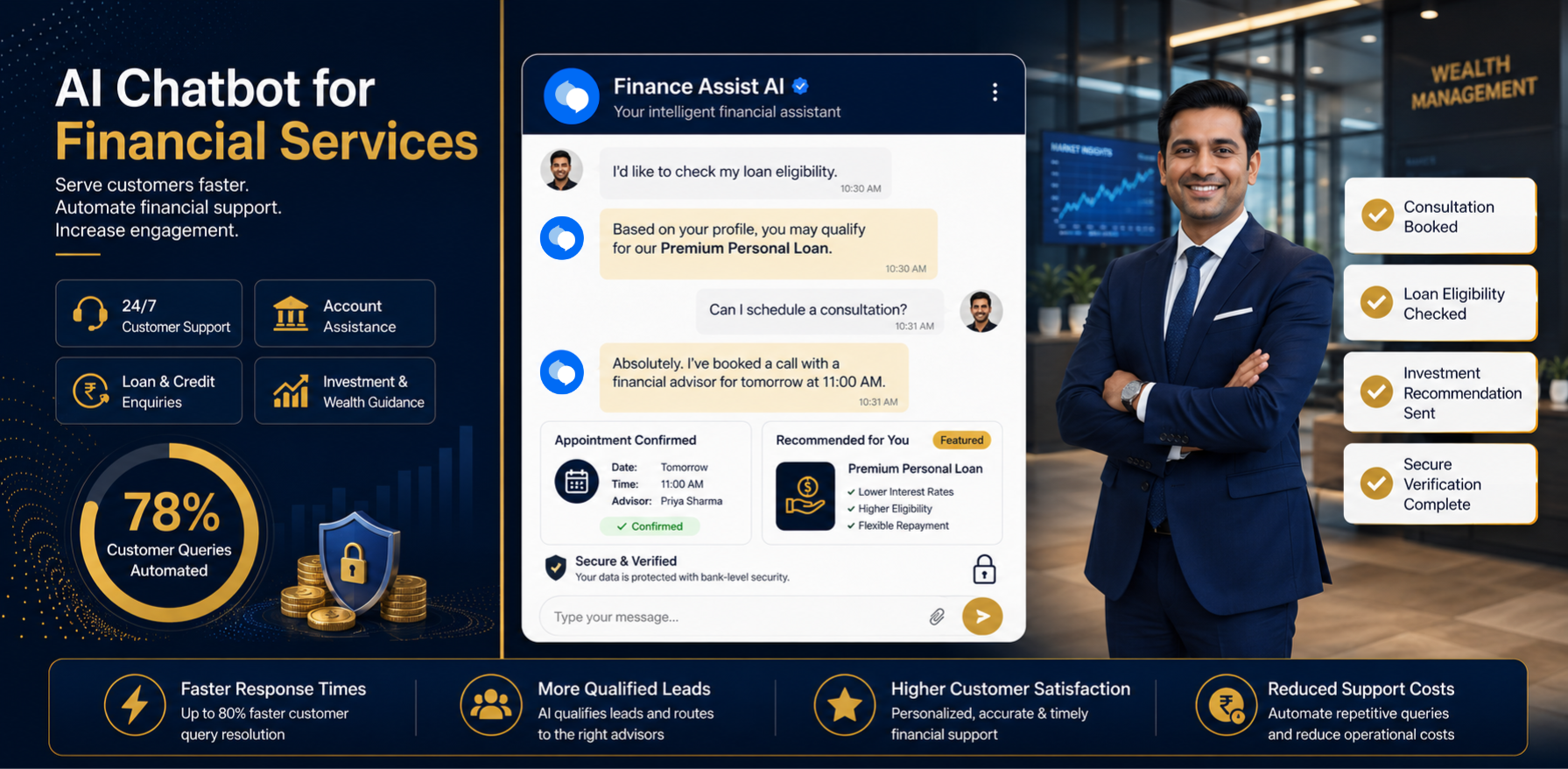
Financial services
Compliance-first administrative automation
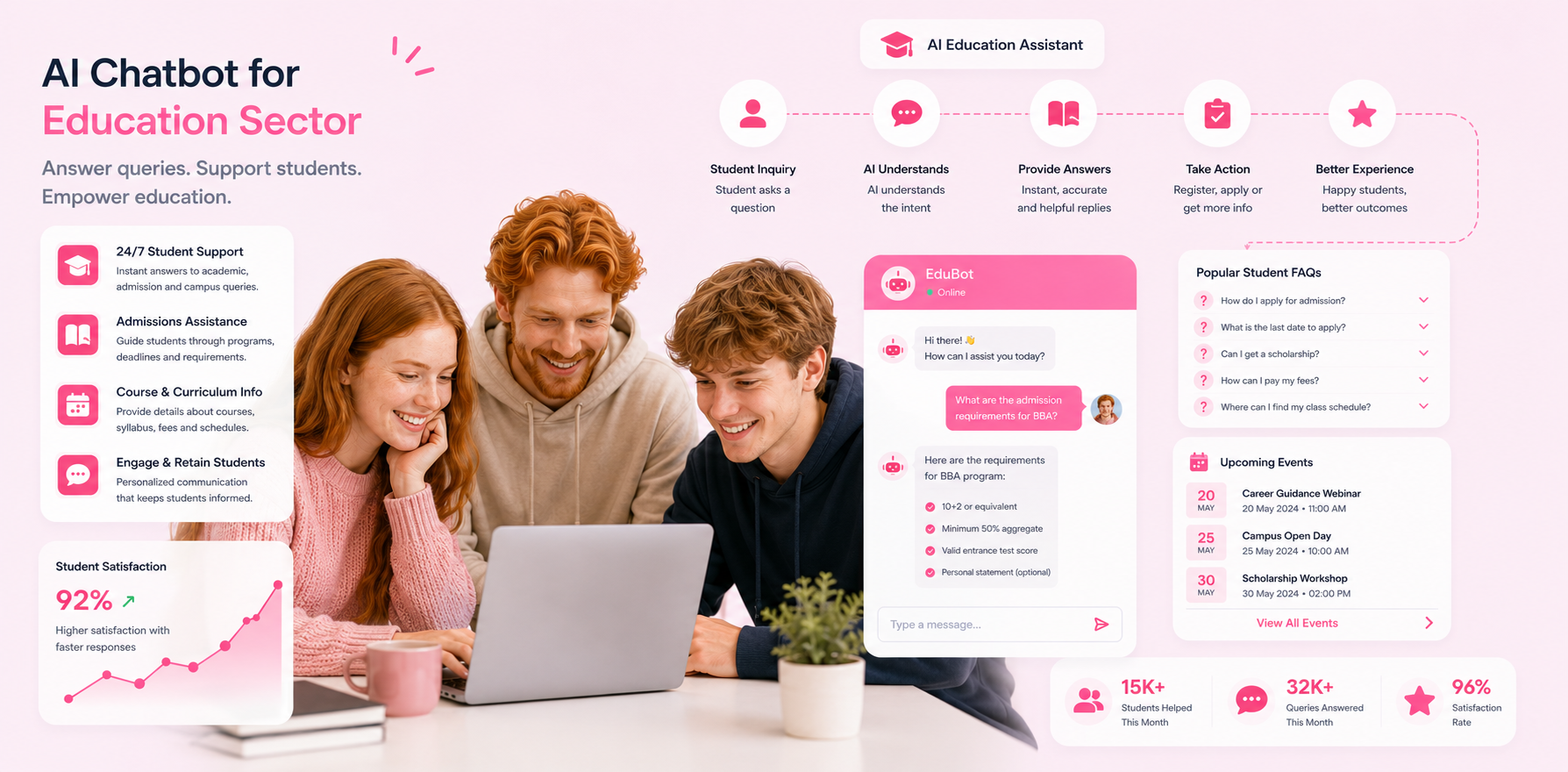
Education
Admissions and student support automation
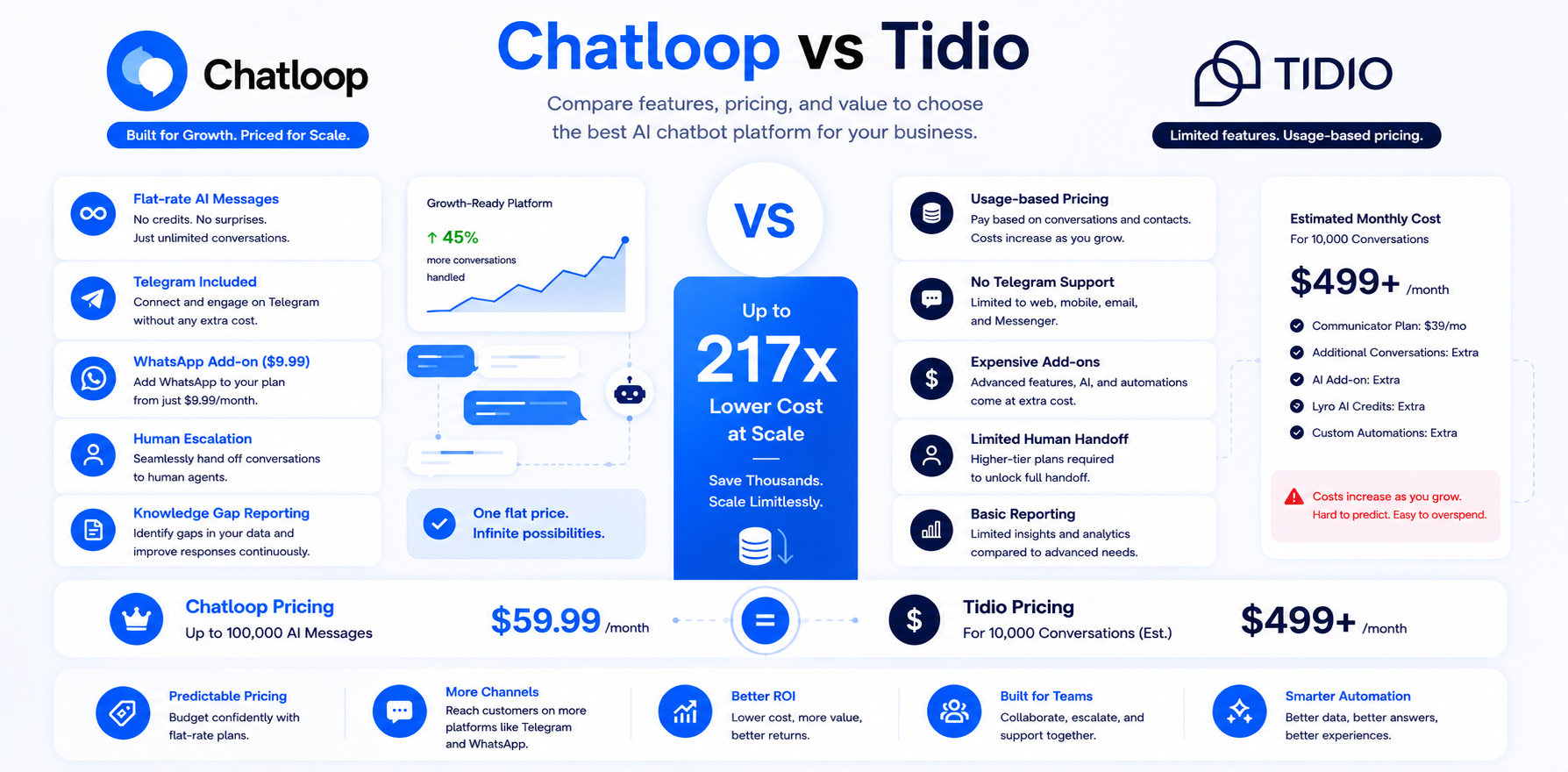
Comparing Automation Platforms
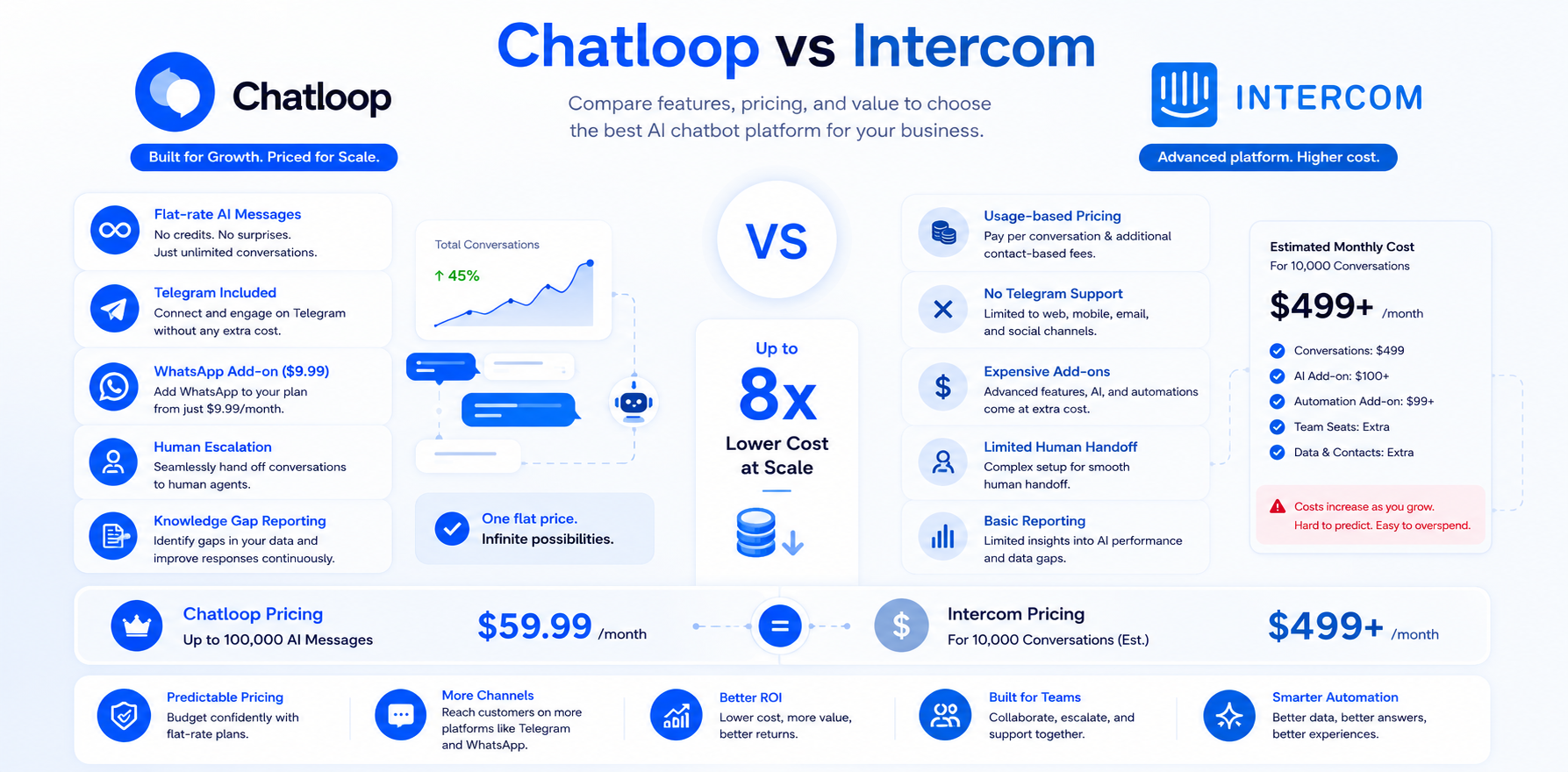
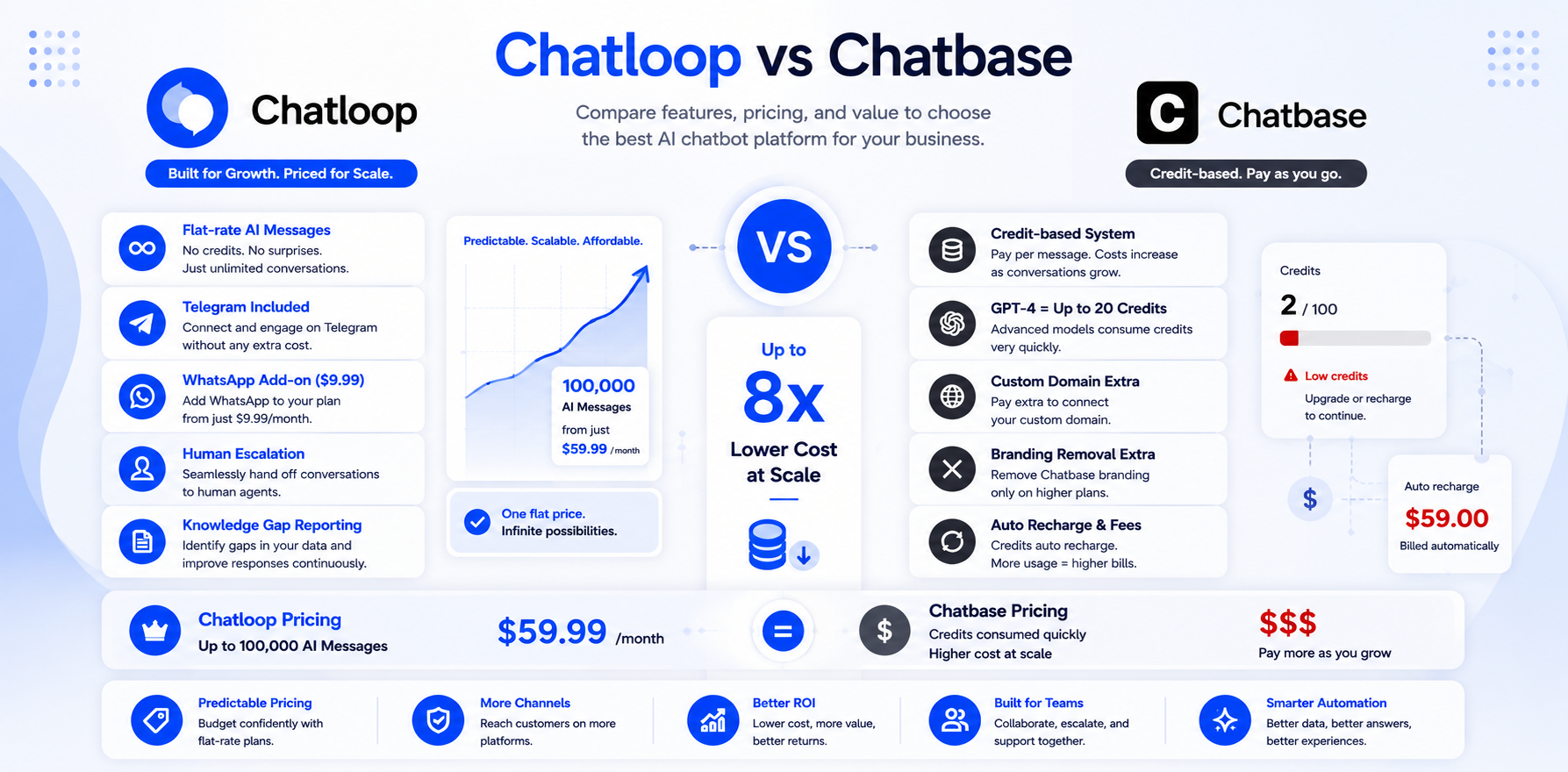
Chatloop.io is not the only customer support automation platform. Businesses evaluating their options should review detailed comparisons before committing:
FAQ
The Four Pillars of Sustainable Automation
Businesses that sustain high automation rates beyond the initial deployment share four operational disciplines.
Pillar 1: Knowledge base ownership: Assign a named person responsible for knowledge base accuracy. This person reviews failed conversations weekly, updates content when products or policies change, and runs a quarterly accuracy audit. Without named ownership, knowledge bases drift out of date and automation rates decline.
Pillar 2: Escalation quality monitoring: Track not just escalation rate but escalation satisfaction — how satisfied are customers who were transferred to a human? A high overall CSAT that masks low escalation satisfaction indicates a broken handoff process that will eventually damage the brand.
Pillar 3: Integration maintenance: Every system connection is a potential failure point. When your order management system updates, your CRM migrates, or your booking engine changes its API, the AI integration may break. Include AI integrations in your change management process so the support automation stays connected to live data.
Pillar 4: Channel expansion over time: Businesses that start with website chat and expand to WhatsApp within six months consistently reach higher overall automation rates than those that stay on a single channel. More query surface area means more automation opportunities. See how to integrate an AI agent with WhatsApp.
Measuring What Matters
The KPIs that indicate customer support automation is working — and those that indicate it needs attention.
Green flags: Automation rate above 55% and rising month-on-month; CSAT above 4.0/5.0 for AI-handled conversations; knowledge gap rate below 10%; escalation satisfaction within 0.3 points of overall CSAT; support cost per ticket declining.
Warning signals: CSAT declining despite rising automation rate (accuracy or completeness issue); escalation rate above 40% (knowledge base gaps); knowledge gap rate above 15% (coverage is insufficient for current query mix); automation rate plateauing before 55% (integration or knowledge base depth issue).
For the full analytics guide, see AI chatbot analytics and optimisation.